- Posted on
- • How-To & Tutorials
How to Fax Multiple Documents Quickly Online
- Author
-
-

- User
- hira
- Posts by this author
- Posts by this author
-
Online fax platforms make it possible to send several documents in one transmission with a smooth and predictable workflow. Find out about the steps that help organize files, reduce confusion, and support clearer delivery online.
Online fax platforms allow users to send several documents in one transmission without dealing with paper or machines. The process becomes easier when the files are prepared, arranged, and uploaded in a clear sequence. These steps help create smoother delivery, stronger presentation, and better clarity for anyone reviewing the fax on the receiving end.
Step 1: Prepare Your Files Before Uploading
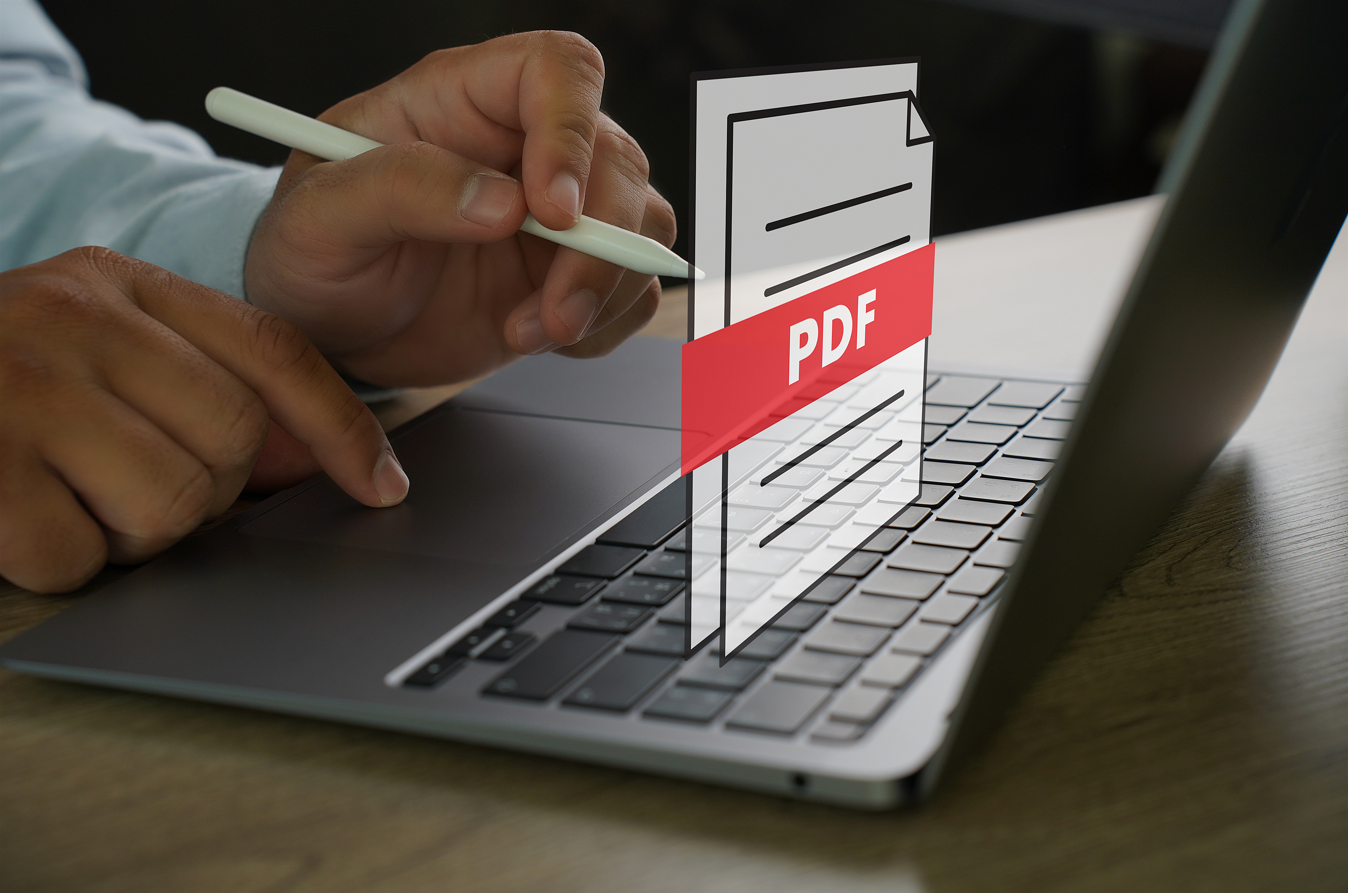
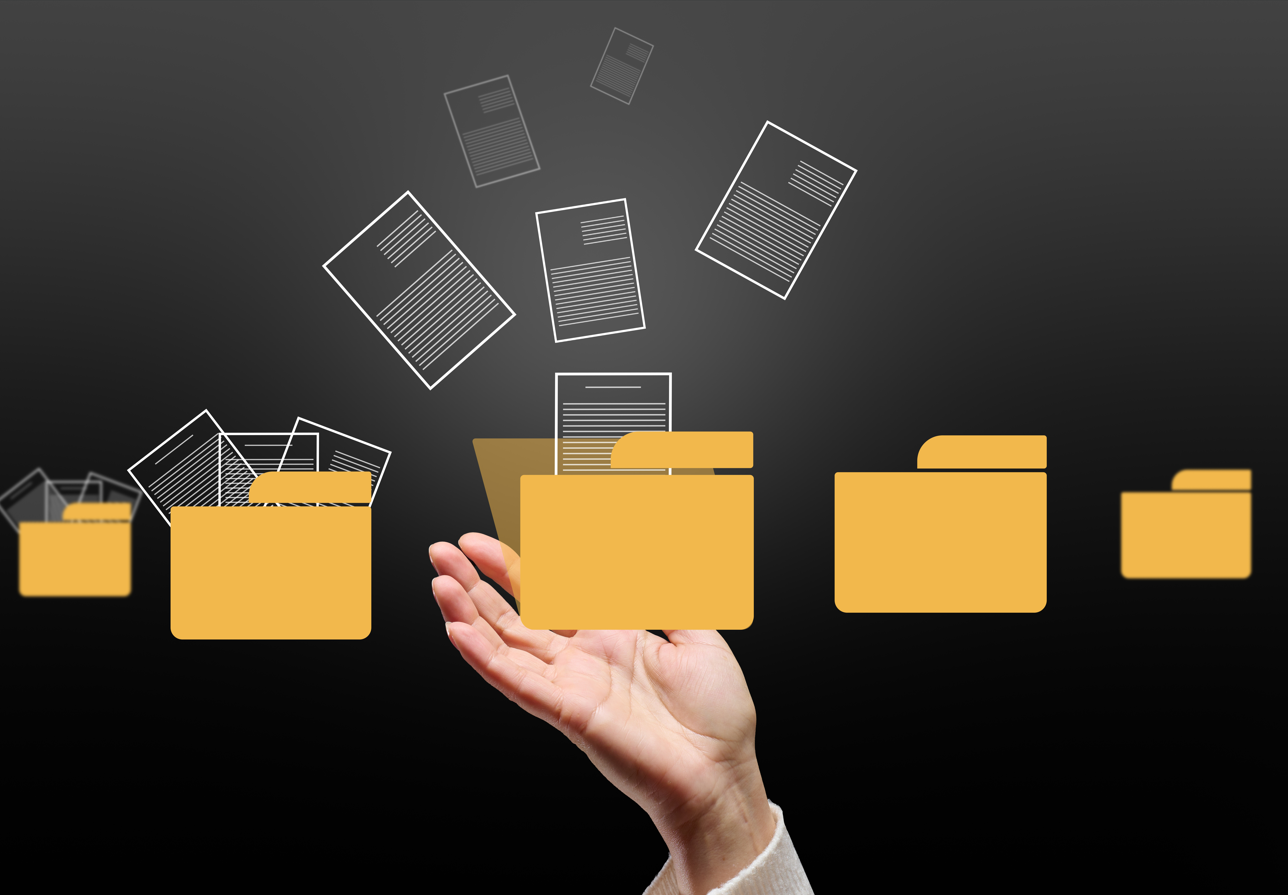
Organized files move through the faxing process with fewer delays. Keeping documents in a single folder helps you locate the correct pages quickly, especially when several sections belong to one transmission. Formats such as PDF, JPG, PNG, and DOCX maintain readability and reduce upload errors. Many users combine related pages into a single PDF so the final transmission appears in the correct order and remains easy to review.
Step 2: Upload Multiple Documents in One Session
Uploading every file in a single session keeps the entire transmission together and prevents the system from separating pages across multiple faxes. Reviewing the order before sending helps avoid mistakes, especially when departments or clients rely on accurate sequencing. A clear cover page placed at the beginning gives recipients immediate context and helps them understand how the attached pages connect.
Step 3: Maintain Professional Fax Etiquette
Professional habits help documents arrive in a format that reads clearly. A cover page with names, dates, contact information, and a short description provides a structured introduction. Readable scans and evenly spaced text make the review process smoother for the recipient. These adjustments support clean communication and reduce confusion when forms, signatures, or identity documents are included.
Step 4: Protect Sensitive Data During Online Transmission
Secure handling remains important whenever documents contain personal or financial information. Online fax platforms use encrypted pathways to protect files during upload and delivery, reducing exposure to unauthorized access. Access controls restrict file visibility to approved users, and delivery confirmations create traceable records that support compliance in business, medical, or legal environments.

Important Reminders Before Sending
- Confirm the correct page order
- Use clean, readable scans
- Add a cover page for clarity
- Verify the recipient fax number
- Review the delivery confirmation after sending
Conclusion
Faxing several documents in one transmission becomes far less disruptive when the workflow stays clear and predictable. Many digital platforms offer a way to send more than one file online, but they often come with glitches, hidden fees, or security concerns.
Services like FaxMingle support this flow by keeping the process structured from upload to delivery, allowing each transmission to progress with fewer obstacles, stronger security, and a more consistent experience for both parties.